CompareWaterfall PM vs GanttPRO
A GanttPRO alternative where only the planners pay
GanttPRO and Waterfall PM both put an auto-scheduling Gantt chart with a critical path in the browser. The differences are in who pays for a seat, and in how far the scheduler goes: Waterfall PM adds the full Microsoft Project constraint model and deadlines that trace a miss back to its cause.
This page sets out where the two differ.
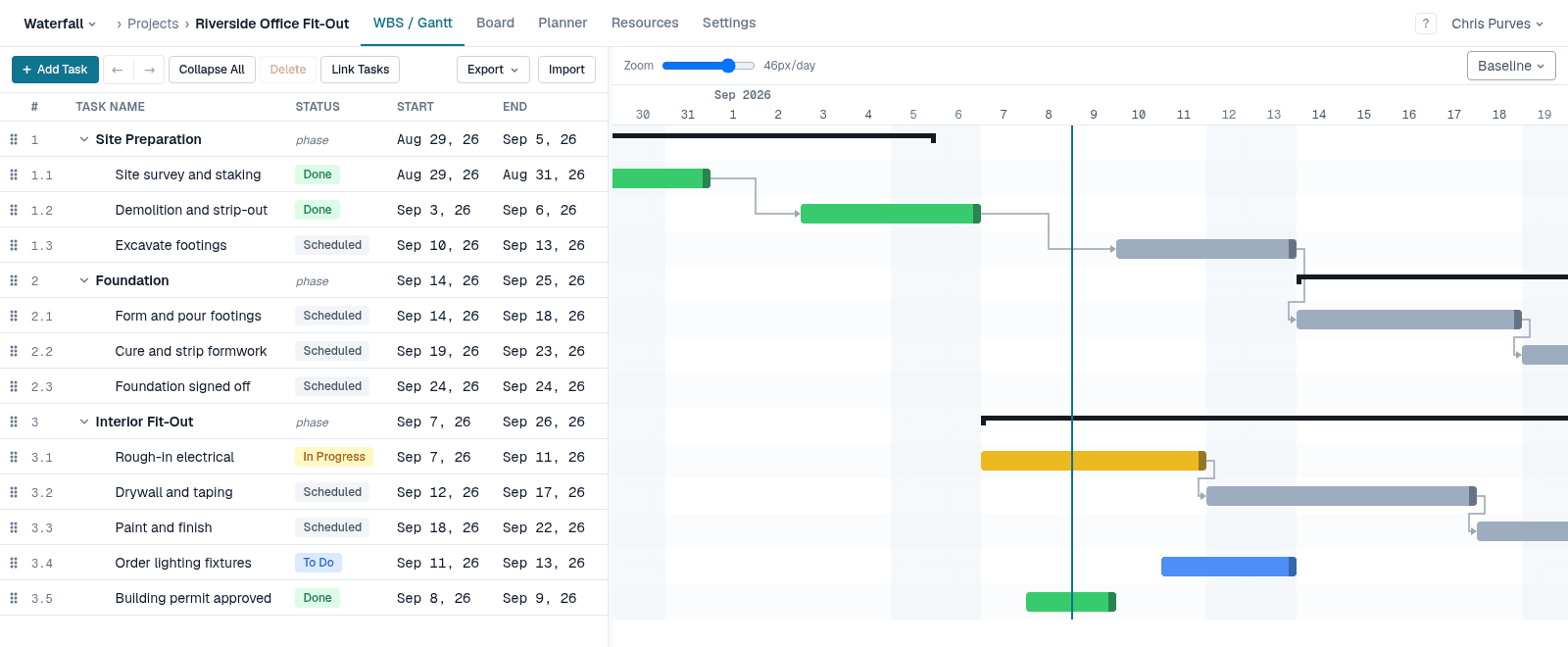
Side by side
Who needs a paid seat
- Waterfall PM
- Only people who plan (PMs). Team members are always free
- GanttPRO
- Priced per user per month
Dependency types and lag
- Waterfall PM
- FS, SS, FF, SF with lag or lead
- GanttPRO
- FS, SS, FF, SF with lag or lead
Automatic scheduling
- Waterfall PM
- Always on: every change reschedules the plan
- GanttPRO
- On by default; can be switched off per project
Constraints
- Waterfall PM
- All eight Microsoft Project constraints: ASAP, ALAP, SNET, SNLT, FNET, FNLT, MSO, MFO
- GanttPRO
- No constraint types
Deadlines
- Waterfall PM
- A missed deadline gives every task feeding it negative float — you see the chain that has to move
- GanttPRO
- A deadline icon on the bar and a flag when it is missed
Critical path and baselines
- Waterfall PM
- Critical path on every plan; baselines on Pro
- GanttPRO
- Yes
Workload
- Waterfall PM
- Team planner with per-person workload bands against real capacity (Pro)
- GanttPRO
- Workload management and resource calendars on Business and Enterprise
Status and hand-offs
- Waterfall PM
- Finishing a task makes the tasks waiting on it ready, and emails people whose dates moved
- GanttPRO
- Status and progress tracked per task
| Capability | Waterfall PM | GanttPRO |
|---|---|---|
| Who needs a paid seat | Only people who plan (PMs). Team members are always free | Priced per user per month |
| Dependency types and lag | FS, SS, FF, SF with lag or lead | FS, SS, FF, SF with lag or lead |
| Automatic scheduling | Always on: every change reschedules the plan | On by default; can be switched off per project |
| Constraints | All eight Microsoft Project constraints: ASAP, ALAP, SNET, SNLT, FNET, FNLT, MSO, MFO | No constraint types |
| Deadlines | A missed deadline gives every task feeding it negative float — you see the chain that has to move | A deadline icon on the bar and a flag when it is missed |
| Critical path and baselines | Critical path on every plan; baselines on Pro | Yes |
| Workload | Team planner with per-person workload bands against real capacity (Pro) | Workload management and resource calendars on Business and Enterprise |
| Status and hand-offs | Finishing a task makes the tasks waiting on it ready, and emails people whose dates moved | Status and progress tracked per task |
Invite everyone who does the work
With per-user pricing, every person you add to the plan is another seat, so teams end up keeping the people doing the work out of it. In Waterfall PM team members are free on every plan: invite everyone, and pay only for the people who plan.
The whole Microsoft Project constraint model
Dragging a bar pins it with a Start No Earlier Than constraint; Shift pins it to an exact date; Alt retimes the link instead. “No later than” constraints and deadlines never shove a task in front of its own predecessors — they flag the date, and every task that feeds the miss shows negative float.
When GanttPRO is the better choice
- Manual scheduling, if you want to switch auto-scheduling off for a project.
- Resource calendars for individual people.
- A longer track record and a larger library of project templates.
Free while it's in beta
No credit card, every feature unlocked, and team members are always free. See pricing after the beta
GanttPRO details checked on September 29, 2026. GanttPRO is a trademark of its owner; Waterfall PM is not affiliated with GanttPRO. Sources: GanttPRO pricing; GanttPRO Knowledge Base — Critical path and float; GanttPRO Knowledge Base — Task settings.